How to Manage Remote Cleaners for Your Vacation Rental

TurnoverPing Team
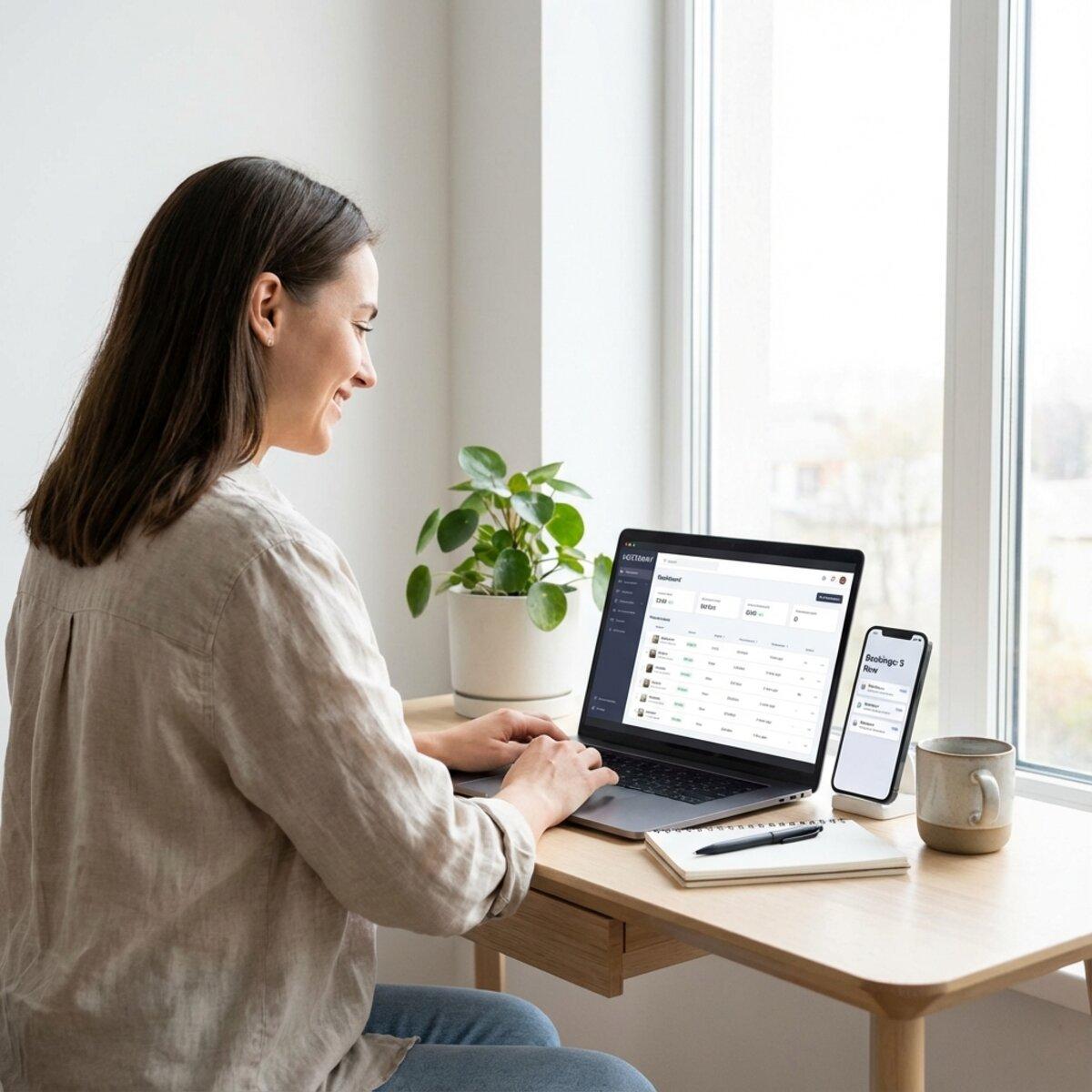
You've just received a frantic message from your cleaner. She's at the wrong property. Meanwhile, guests are checking into an uncleaned unit in 45 minutes, and you're 500 miles away on vacation yourself.
This nightmare scenario happens to remote hosts every day. Managing cleaners when you can't physically be there requires different skills than hands-on oversight. You need systems, not supervision. Trust, but with verification.
The good news? Remote cleaner management is a solved problem. Hosts with properties across different cities, even different countries, maintain 5-star cleanliness ratings consistently. This guide shows you exactly how to manage remote cleaners for your Airbnb and vacation rentals without losing sleep.
Key Takeaways
- ✅ Remote management requires systems and documentation, not physical presence
- ✅ Photo verification is essential for quality control from a distance
- ✅ Automated scheduling eliminates 90% of miscommunication errors
- ✅ Backup cleaners are mandatory for remote hosts
- ✅ Clear checklists and SOPs reduce training time and improve consistency
Automate Your Remote Cleaning Operations
TurnoverPing syncs with your booking calendars and notifies your cleaners automatically. Never miss a turnover, even when you're on the other side of the world.
Why Remote Cleaner Management Is Different
When you live near your rental property, you can pop by to check on things. Left a candle in the wrong spot? You'll fix it next time you're there. Cleaner running late? You can meet the guests yourself.
Remote hosting removes those safety nets entirely.
Key differences:
- You can't verify work quality in person
- Problems must be solved through communication, not intervention
- Your cleaners become the face of your property
- Scheduling errors have no easy fix
- You need redundancy for every critical role
This isn't necessarily harder than local hosting. It's just different. Remote hosts who thrive build systems that would work even if they were completely unreachable. The systems do the work, not constant oversight.
Think of yourself as building a franchise operation, not supervising employees. Your job is creating processes that work without you, then only stepping in when something breaks those processes.
Building Your Remote Cleaning Team
Your cleaning team is the most critical part of remote vacation rental management. Get this right, and everything else becomes easier.
Finding Reliable Remote Cleaners
When you can't interview in person, you need other ways to assess reliability:
-
Ask local property managers for recommendations. Even if you don't use a property manager, they know who in the area does good work.
-
Check reviews on local service platforms. Many cleaners have profiles on platforms like Thumbtack, Yelp, or local Facebook groups.
-
Request references from other vacation rental hosts. Join local hosting groups and ask who others use.
-
Start with a trial period. Hire for one month with clear expectations before committing long-term.
-
Look for vacation rental experience. Hotel or residential cleaning is different from turnover cleaning. Experience matters.
The Backup Cleaner Requirement
For remote hosts, backup cleaners aren't optional. They're essential.
When your primary cleaner gets sick, has a family emergency, or simply no-shows, you need someone else ready to go. Without a backup, you're scrambling to find help while guests wait outside a dirty property.
Build your backup system:
- Maintain at least one backup cleaner per property
- Ensure backups know your property and expectations
- Give backups occasional jobs to keep them engaged
- Have backup contact info saved and accessible
If you're coordinating cleaners with calendar sync, make sure your backup is connected to the same system. That way they can see upcoming availability and step in seamlessly when needed.
Even the most reliable cleaner will eventually be unavailable. Build in redundancy from day one. The cost of maintaining a backup relationship is insignificant compared to the cost of a failed turnover.
Setting Clear Expectations Upfront
Remote relationships require clearer expectations than in-person ones. You can't clarify things casually next time you see each other.
Document these upfront:
- Compensation structure: Per-clean rate, how long each property should take, payment schedule
- Response time expectations: How quickly you expect replies during work hours
- Cancellation policy: What notice you need if they can't make a job
- Key handoff procedures: How they access properties, lockbox codes, smart lock protocols
- Photo requirements: What photos you need after each clean (more on this below)
- Issue reporting: How to report maintenance problems or supply shortages
Put this in writing. A simple one-page document prevents most miscommunication issues.

Communication Systems That Work
Most remote cleaner problems are actually communication problems. The cleaner didn't know about a schedule change. The host didn't realize supplies were running low. Guests arrived while the cleaner was still working.
Good systems prevent these issues.
Choose the Right Communication Channel
Not every communication channel works for every situation:
| Channel | Best For | Watch Out For |
|---|---|---|
| SMS/WhatsApp | Time-sensitive notifications, quick confirmations | Messages can get buried in personal chats |
| Detailed instructions, documentation | Too slow for urgent matters | |
| Dedicated apps | Centralized job management, scheduling | Requires cleaner adoption |
| Phone calls | Emergencies, complex explanations | Hard to document, easy to forget details |
Many hosts use a combination: automated notifications through SMS or WhatsApp for scheduling, plus occasional calls for personal connection.
What to Communicate (And When)
Before every turnover:
- Confirmation that the job is on their schedule
- Any guest-specific notes (early/late check-in, special requests)
- Current inventory status if supplies are running low
After every turnover:
- Photo confirmation of completed work
- Any issues found (damage, items left behind, maintenance needs)
- Confirmation they've locked up and reset security
Weekly or monthly:
- Upcoming schedule overview
- Any property updates or changes
- Feedback on their work quality
Automate whatever you can. Manual messages for every turnover create opportunities for human error. Calendar-synced automation tools send notifications without you lifting a finger. You only need to step in for exceptions.
Creating a Centralized Information Hub
Your cleaners need access to key information without calling you:
- Property-specific cleaning instructions: What makes each property unique
- Supply locations: Where cleaning products, linens, and extras are stored
- Emergency contacts: Who to call for maintenance, lockouts, or other issues
- Checkout checklists: Step-by-step verification before leaving
Consider using a shared document (Google Doc, Notion page) or creating property-specific guides. This reduces how often cleaners need to text you with basic questions.
For comprehensive checklists tailored to your property, TurnoverChecklist.com helps you generate free, customizable cleaning checklists that you can share with your cleaning team.
Free Cleaning Checklist Generator
Create professional, property-specific cleaning checklists for your team in seconds.
Quality Control Without Being There
This is the biggest fear for remote hosts: How do you know the cleaning was actually done well?
You can't inspect every turnover personally. But you can build systems that catch problems before guests do.
Photo Verification: Your Eyes on the Ground
Require your cleaners to take photos after every turnover. This single practice solves most quality control challenges.
Essential photos to require:
- All beds made and staged: Proves linens were changed and presentation is correct
- Kitchen counters and appliances: Shows surfaces are clean and clutter-free
- Bathrooms: Toilet, shower, sink areas prove deep cleaning
- Floor spaces: Shows vacuuming/mopping was done
- Outdoor areas: If applicable, patios, grills, pools
- Entry view: First impression guests will have
Photos provide documentation if disputes arise and let you spot issues before guests check in. If something looks off, you have time to address it.
Many hosts initially feel uncomfortable asking for photos, worrying it shows distrust. In reality, professional cleaners appreciate photo requirements. It protects them from false accusations and proves their good work.
Spot Check Strategies
Beyond photos, use these methods for ongoing quality verification:
- Guest feedback monitoring: Track cleanliness ratings and read every review mentioning cleaning
- Periodic third-party inspections: Hire a local service to inspect randomly once per quarter
- Mystery guest bookings: Book your own property occasionally (or have friends do so) and evaluate the turnover
- Cleaner self-assessments: Ask cleaners to rate their own work and explain any challenges
What Airbnb's Standards Require
Airbnb's Enhanced Cleaning Protocol provides a baseline for all hosts. Make sure your cleaners understand it:
- Prepare: Ventilate the space, wash hands, wear protective equipment
- Clean: Remove dust, debris, and surface dirt
- Sanitize: Use approved disinfectants on high-touch surfaces
- Check: Review every room against a checklist
- Reset: Prepare amenities, linens, and supplies for the next guest
For a complete guide to these expectations, see our post on Airbnb cleaning standards.
Automation and Technology Tools
Technology closes the gap between remote management and physical presence. The right tools make 500 miles feel like 5.
Automated Scheduling and Notifications
Manual scheduling is where remote management most often fails. You forget to message your cleaner. They don't see your text until too late. The guest arrives at a dirty property.
Automation eliminates this entirely.
TurnoverPing syncs with your Airbnb, VRBO, and Booking.com calendars. When a guest checks out, your cleaner gets notified automatically. They confirm the job with a simple reply. You get updated without doing anything.
This isn't just convenient. It's essential for remote hosts managing multiple properties across different time zones. You can't manually coordinate turnovers if you're asleep when they happen.
Smart Locks and Access Control
When you're not there to hand over keys, smart locks become essential:
- No more lockboxes to manage: Codes can be changed remotely and instantly
- Access logging: Know exactly when your cleaner arrived and left
- Temporary codes: Each cleaner and each guest can have unique access codes
- Integration with scheduling: Some systems auto-generate codes based on bookings
This adds a layer of security and accountability that remote hosts need.
Centralized Property Information
Maintain a digital hub with everything a cleaner might need:
- Property addresses and access instructions
- Cleaning checklists (create free custom ones at TurnoverChecklist.com)
- Supply inventory and reorder points
- Maintenance contacts
- Previous cleaner notes and property quirks
Good property management starts with good information access.
Tracking Multi-Platform Bookings
If you list on multiple platforms, you need visibility into all bookings. RentalReportDaily.com sends you a daily summary of bookings across Airbnb, VRBO, and Booking.com, so you always know what's coming up.
This visibility helps you plan cleaning schedules and anticipate busy periods before they become problems.
See All Your Bookings in One Place
Daily email summaries from all platforms. Never miss a booking or scheduling conflict.
Handling Problems from a Distance
Things will go wrong. Cleaners will no-show. Guests will complain. Emergencies will happen when you're unreachable.
Prepare for this in advance.
The Emergency Playbook
Create a simple document covering common scenarios:
Cleaner no-show:
- Contact backup cleaner immediately
- If backup unavailable, contact local cleaning service (have number saved)
- If guest arrival is imminent, notify guest with apology and estimated delay
- Document incident for follow-up with primary cleaner
Guest complaint about cleanliness:
- Apologize immediately and without defensiveness
- Offer to send cleaner back for touch-up if timing allows
- Provide compensation (partial refund, credit for future stay)
- Follow up with cleaner to prevent recurrence
Property damage found during cleaning:
- Document with photos immediately
- Notify you (the host) with details
- You determine if it's a guest-caused issue requiring a claim
- Schedule any necessary repairs
Having a playbook means your team knows what to do without waiting for your instructions.
Building Local Support Networks
Beyond your cleaning team, identify local resources for:
- Emergency repairs: Plumber, electrician, handyman on call
- Key backup: Someone who can meet guests if smart lock fails
- Supervision: A local person who can inspect if major issues arise
- Supplies: Nearby stores for restocking emergencies
Some hosts hire local co-hosts just for emergency support, paying them a small monthly retainer to be available when needed.
What to Do If You Lose a Cleaner
Cleaner turnover happens, especially if you have a good cleaner who gets more clients than they can handle.
Transition plan:
- Have new cleaner shadow the departing one for at least one or two cleans
- Review all property documentation with the new cleaner
- Do extra verification (photos, feedback requests) for the first month
- Have departing cleaner document any property quirks or tips
The transition is much easier if your documentation is solid. A cleaner leaving shouldn't mean starting from scratch.
Conclusion
Managing remote cleaners successfully comes down to three things: documentation, automation, and backup plans.
Document your expectations so clearly that a new cleaner could deliver a 5-star turnover on their first day. Automate the scheduling and notifications that are easiest to forget. And always have a backup ready for every critical role.
Remote hosting isn't harder than local hosting. It's just more systems-dependent. Build those systems once, and you can manage properties anywhere in the world while maintaining the quality your guests expect.
Start by setting up automated scheduling. When that's working, add photo verification. Then build out your backup cleaner network. Each layer you add makes your operation more resilient and less demanding of your time.
For a comprehensive turnover process guide, check out our Airbnb turnover SOP post. And if you're still doing manual cleaner notifications, TurnoverPing handles them automatically.
Frequently Asked Questions
How do I find reliable cleaners when I don't live near my property?
What photos should cleaners take after each turnover?
How do I handle a cleaner no-show when I'm far away?
Should I use SMS, WhatsApp, or an app to communicate with cleaners?
Can I automate cleaner scheduling without a property management company?
How often should I verify my remote cleaner's work quality?
Manage Remote Cleaners with Confidence
Stop worrying about missed messages and scheduling errors. TurnoverPing automates cleaner notifications so your turnovers happen smoothly, wherever you are.
Related Articles

Booking.com Apartment Cleaning Checklist for Perfect Reviews
Master Booking.com's cleanliness requirements with this comprehensive apartment cleaning checklist. Meet the minimum score threshold and earn 5-star reviews.
VRBO Cleaning Checklist: What Every Host Should Include
Master VRBO cleaning standards with this comprehensive checklist. Learn what guests expect, avoid common mistakes, and deliver 5-star cleanliness every time.
How to Organize Linen and Laundry for Multiple Properties
Master the art of linen inventory and laundry logistics across multiple vacation rentals. Learn the 3-set system, professional laundry strategies, and how to keep every property guest-ready without the chaos.